
 Click to enlarge
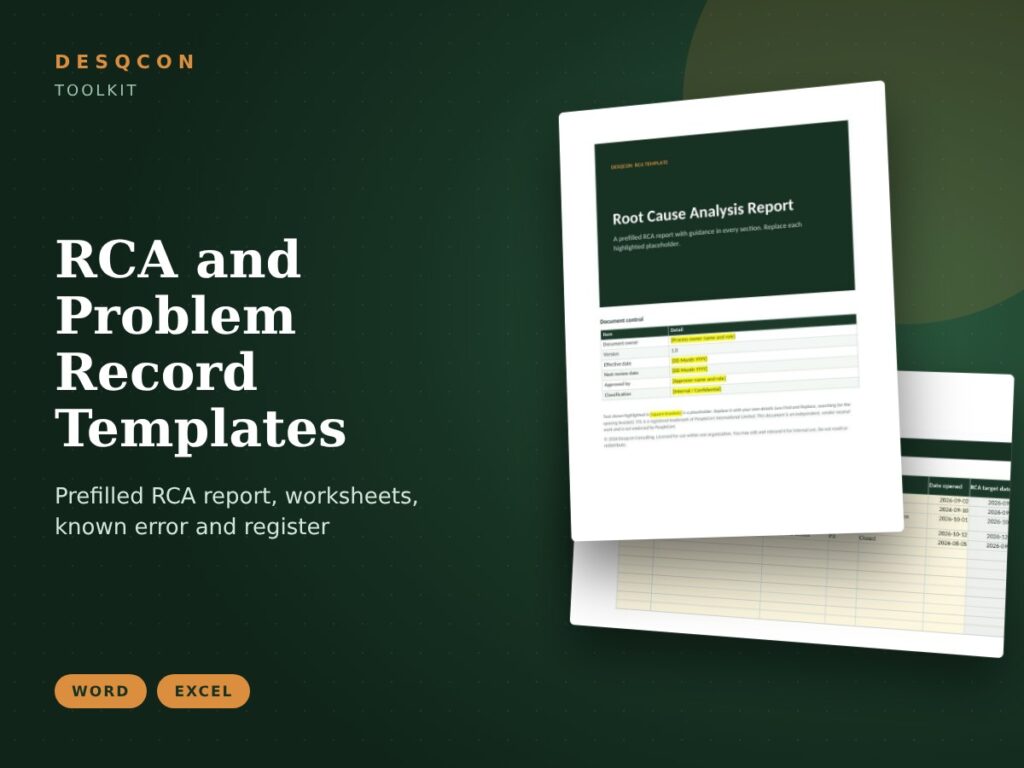
RCA and Problem Record Templates
A good root cause analysis is only useful if it is written down in a form people can act on. These templates give you the structure, the prompts and example wording, so your analysts spend their time finding causes instead of designing documents.
- Download links arrive by email after checkout
- Fully editable, with no macros
- Licensed for use inside one organization
What is in the download
Five Word templates and an Excel register that cover a problem from first record to review.
RCA-Report-Template.docx
Problem-Record-Form.docx
Known-Error-and-Workaround-Templates.docx
RCA-Worksheets.docx and Major-Problem-Review-Pack.docx
Problem-Register-and-Dashboard.xlsx
From repeat incident to verified fix
Each document covers one step, so nothing falls between the cracks.
The problem path
What the Excel register does for you
Look inside before you buy
These are real pages and sheets from the download. Click any image to view it full size.
How it works
From checkout to a working document in three steps.
Get it
Check out securely and open the download links from your email.
Set it up
Set your priority targets on the Lists sheet and delete the example rows.
Use it
Log each problem, run the worksheets, write the report and review it with the service owner.
What you get
- A 10 page RCA report template with executive summary, timeline, hypotheses, root cause, fix and action plan.
- A problem record form with prioritization, ownership and an investigation log.
- Known error record and a service desk workaround article, ready to publish.
- RCA worksheets: five whys, fishbone, is and is not, change timeline and a hypothesis tracker.
- A major problem review pack with agenda, minutes and decision record.
- An Excel problem register for 200 problems with automatic target dates, overdue flags and a dashboard.
How it helps you
Every RCA reads the same way, so managers can compare problems and decide what to fund. The prefilled guidance and examples show analysts what good looks like, and the register keeps track of every problem until the fix is verified.
Who should get it
Problem managers, analysts, service desk leads, site reliability and operations teams, and anyone who has to write up why a service keeps failing.
How to use it
Start a problem record from the form, run the worksheets in your analysis session, write the RCA report from the template and present it using the review pack. Log everything in the register. Yellow placeholders show what to fill in.
Format
Word (.docx) and Excel (.xlsx). Vendor neutral. Works alongside any ticketing tool.
License and good to know
Single organization license for internal use. You can edit and rebrand the files. You cannot resell or redistribute them.
