
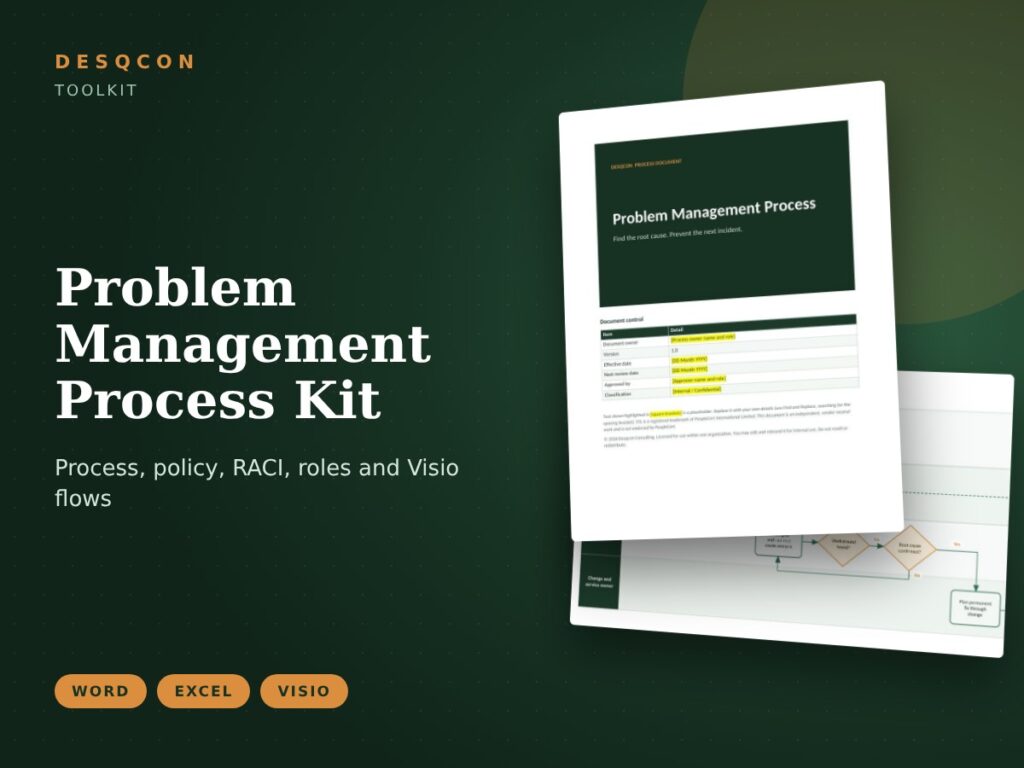
 Click to enlarge
Problem Management Process Kit
Incidents get fixed and then come back. This kit gives you the written process that stops the repeats: a 24 page problem management process document, a policy, a RACI matrix, defined roles, a known error approach and three editable Visio diagrams that you can adapt in an afternoon.
- Download links arrive by email after checkout
- Fully editable, with no macros
- Licensed for use inside one organization
What is in the download
A process document, a policy, a RACI workbook and three Visio diagrams that work together.
Problem-Management-Process.docx
Problem-Management-Policy.docx
Problem-Management-RACI-and-Roles.xlsx
Visio-Diagrams (3 files)
How the process runs
One flow from the first repeat incident to a verified fix, with a priority model your team can apply without debate.
The eight stage problem flow
From workaround to retirement
Look inside before you buy
These are real pages and sheets from the download. Click any image to view it full size.
How it works
From checkout to a working document in three steps.
Get it
Check out securely and open the download links from your email.
Adapt
Replace the placeholders, agree the priority model and edit the Visio diagrams.
Run it
Publish the process, train the team and review your first problems at the next service review.
What you get
- A 24 page process document with 16 sections, from purpose and definitions to KPIs and appendices.
- A 9 page problem management policy with 12 policy statements.
- A RACI workbook with 17 activities across 9 roles, a roles sheet, a priority model and a status list.
- Three Visio files (.vsdx) with PNG and PDF copies: problem flow, known error lifecycle and root cause analysis flow.
- Priority model with start, RCA and update targets for P1 to P4.
- Seven root cause techniques, a known error database design, a proactive problem plan and a major problem review agenda.
How it helps you
You stop arguing about what a problem is and who owns it. Everyone sees the same flow, the same priorities and the same definition of done. The service desk gets workarounds at first contact, and the business gets a short list of the problems that cost the most.
Who should get it
Service delivery managers, problem managers, service desk leads and process owners who need a working problem management process fast, and consultants who want a sound base to adapt for a client.
How to use it
Open the process document and replace each highlighted placeholder. Agree the priority model and targets with your service owners, then use the RACI workbook to name people for each role. Edit the Visio diagrams to match your tool and team names, publish the policy and run your first review.
Format
Word (.docx), Excel (.xlsx) and Visio (.vsdx) with PNG and PDF copies. Vendor neutral, so it works with any service management tool.
License and good to know
Single organization license for internal use. You can edit and rebrand the files. You cannot resell or redistribute them. The Visio files are created for standard Visio. Open them once to check the layout in your version.
