
 Click to enlarge
Knowledge Article Templates
A knowledge base is only as good as its articles. These templates give your authors a clear structure, example wording and a checklist, so every article is easy to follow and easy to find.
- Download links arrive by email after checkout
- Fully editable, with no macros
- Licensed for use inside one organization
What is in the download
Two Word documents and an Excel tracker that work together.
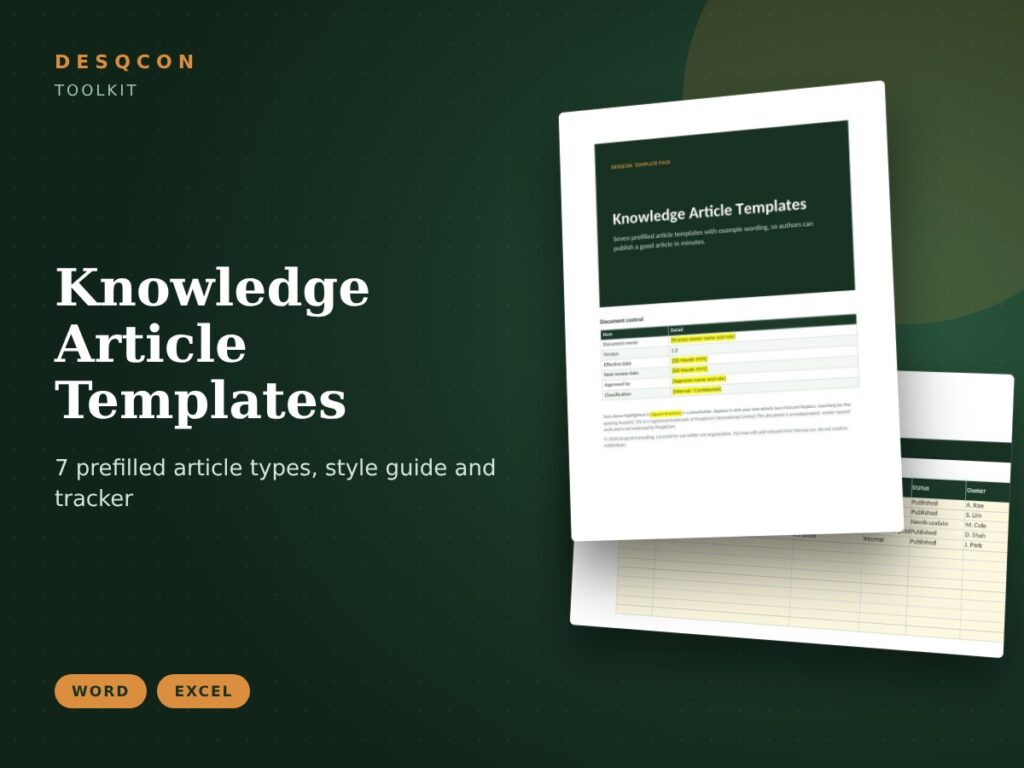
Knowledge-Article-Templates.docx
Knowledge-Style-Guide-and-Quality-Checklist.docx
Knowledge-Base-Tracker.xlsx
From first draft to trusted article
Each document covers one moment in the life of an article.
The article path
What the Excel tracker does for you
Look inside before you buy
These are real pages and sheets from the download. Click any image to view it full size.
How it works
From checkout to a working document in three steps.
Get it
Check out securely and open the download links from your email.
Set it up
Set your review cycles on the Lists sheet and delete the example rows.
Use it
Copy a template into your tool, write the article, check it and log it in the tracker.
What you get
- A 9 page document with seven prefilled article templates: how-to, known error and workaround, troubleshooting guide, FAQ, service description, runbook and outage notice.
- A 6 page style guide with writing rules, a quality checklist, a peer review form and a contributor guide.
- An Excel knowledge base tracker for 300 articles with automatic review dates, review status and a dashboard.
How it helps you
Articles come out consistent, so users know where to look and what to expect. Example wording shows authors what good looks like, and the tracker shows which articles are overdue for review.
Who should get it
Service desk teams, knowledge managers, technical writers in IT, and engineers who document how things work.
How to use it
Copy the template for the article type into your knowledge tool, replace the placeholders and delete the guidance. Use the checklist before you publish and log each article in the tracker with its owner and review date.
Format
Word (.docx) and Excel (.xlsx). Vendor neutral. Works with any knowledge tool.
License and good to know
Single organization license for internal use. You can edit and rebrand the files. You cannot resell or redistribute them.
