
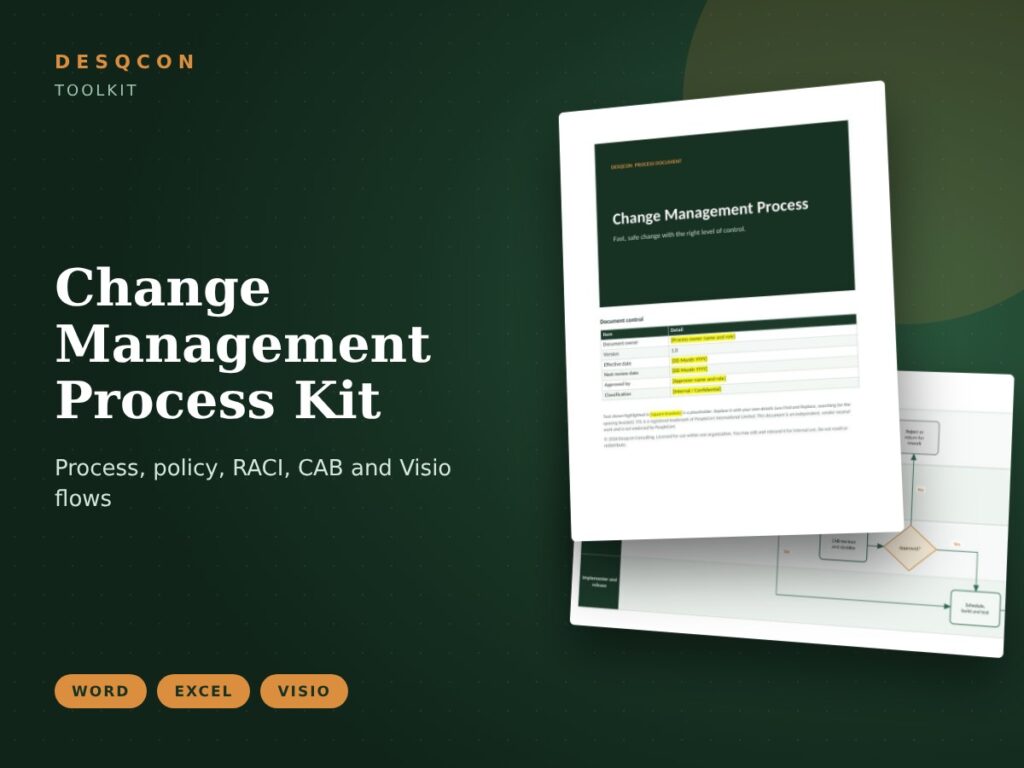
 Click to enlarge
Change Management Process Kit
Change is where most outages begin, and where most delivery speed is won or lost. This kit gives you the written process that keeps both under control: a 26 page change management process document, a policy, a RACI matrix, defined roles, CAB guidance and three editable Visio diagrams.
- Download links arrive by email after checkout
- Fully editable, with no macros
- Licensed for use inside one organization
What is in the download
A process document, a policy, a RACI workbook and three Visio diagrams that work together.
Change-Management-Process.docx
Change-Management-Policy.docx
Change-Management-RACI-and-Roles.xlsx
Visio-Diagrams (3 files)
How the process runs
Control that matches the risk: pre-approved standard changes, a CAB for the rest and a short route for emergencies.
The nine step change flow
The emergency route
Look inside before you buy
These are real pages and sheets from the download. Click any image to view it full size.
How it works
From checkout to a working document in three steps.
Get it
Check out securely and open the download links from your email.
Adapt
Replace the placeholders, agree the change types and edit the Visio diagrams.
Run it
Publish the process, hold your first CAB and review the first failed or emergency change.
What you get
- A 26 page process document with 16 sections, from purpose and definitions to KPIs and appendices.
- A 9 page change management policy with 14 policy statements.
- A RACI workbook with 18 activities across 9 roles, a roles sheet, a change type matrix and a status list.
- Three Visio files (.vsdx) with PNG and PDF copies: change flow, CAB flow and emergency change flow.
- A risk assessment model, authorization levels and lead times for standard, normal and emergency changes.
- Guidance on change models, CAB agenda, change calendar, freeze periods, back-out and post implementation review.
How it helps you
Everyone sees who can approve what, how risk is rated and what a good request looks like. Low risk work moves fast through standard changes, and the risky work gets the attention it needs. You also get evidence for auditors.
Who should get it
Change managers, service delivery managers, release managers, IT operations leads and consultants who need a sound change process quickly.
How to use it
Open the process document and replace each highlighted placeholder. Agree the change types, lead times and authorities with your service owners. Name the people in the RACI workbook, edit the Visio diagrams, publish the policy and run your first CAB.
Format
Word (.docx), Excel (.xlsx) and Visio (.vsdx) with PNG and PDF copies. Vendor neutral, so it works with any service management tool. The companion template packs add the RFC form, CAB pack and standard change models.
License and good to know
Single organization license for internal use. You can edit and rebrand the files. You cannot resell or redistribute them. The Visio files are created for standard Visio. Open them once to check the layout in your version.
