
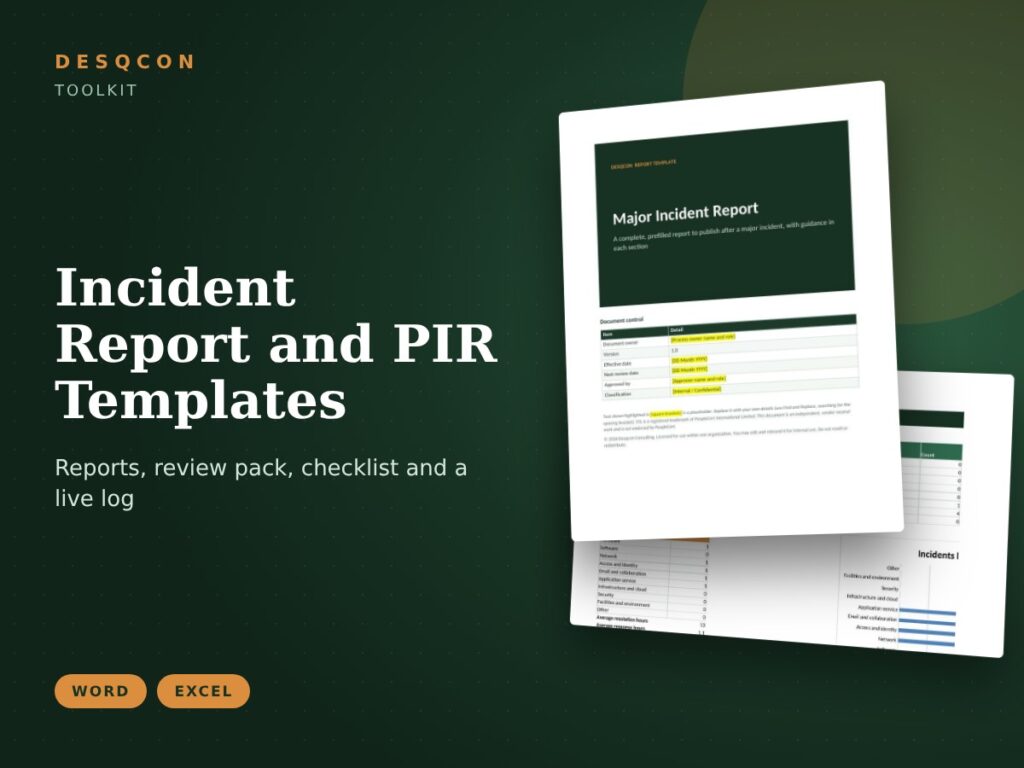
 Click to enlarge
DESQCON TOOLKIT
Incident Report, Major Incident Report and PIR Templates
After an incident, the report is often the first thing to slip. This pack gives you the forms to record each incident properly, publish a major incident report that leadership will read, and run a blameless review that ends with owned actions.
WORDEXCEL
- Download links arrive by email after checkout
- Fully editable, with no macros
- Licensed for use inside one organization
8page major incident report
9page post-incident review pack
200incident rows with automatic priority
5forms and workbooks in total
What is in the download
Four Word templates and an Excel log that work together after every incident.
DOCX
Major-Incident-Report-Template.docx
Word document, 8 pages
Summary and business impactTimelineRoot causeContributing factorsWhat worked and what did notAction tableApproval
DOCX
Post-Incident-Review-Template.docx
Word document, 9 pages
Before the meetingGround rules and agendaTimeline reviewFive whysContributing factorsAction tracker
DOCX
Incident-Report-Form.docx and Incident-Priority-Checklist.docx
Two Word documents, 5 pages in total
Incident record formResolution and closureImpact and urgency questionsPriority matrixMajor incident check
XLSX
Incident-Log-and-Dashboard.xlsx
Excel workbook, 5 sheets
TargetsIncident logDashboard with chartsIncident catalogue
From incident to lesson learned
A repeatable path from the first log entry to a closed action list.
The after-incident path
Each document in the pack covers one step.
LogIncident log
PrioritizePriority checklist
RecordIncident report form
ReportMajor incident report
ReviewPIR pack, within 2 days
TrackAction tracker
What the Excel log does for you
Yellow cells are for input. Everything else is calculated.
Sets priorityFrom impact and urgency
Checks targetsMet or missed, per incident
CountsBy priority, status, category
Draws chartsDashboard sheet
Look inside before you buy
These are real pages and sheets from the download. Click any image to view it full size.
How it works
From checkout to a working document in three steps.
Get it
Check out securely and open the download links from your email.
Set it up
Set your targets on the Targets sheet and delete the example rows.
Use it
Log each incident, report each major incident, and review it within two days.
What you get
- A major incident report template (8 pages) with summary, business impact, timeline, cause, contributing factors and an action table.
- A post-incident review pack (9 pages) with agenda, five whys, contributing factors and an action tracker.
- An incident report form for audit and customer requests.
- An incident priority checklist (3 pages) with the impact and urgency matrix.
- An Excel incident log with automatic priority, SLA result, a dashboard with charts and an incident catalogue.
How it helps you
- Every major incident gets a report in the same format, so leaders can compare and learn.
- The review pack keeps the meeting blameless and ends with actions that have owners and dates.
- The log works out priority and SLA results for you, and the dashboard updates as you add rows.
- The priority checklist makes the service desk set priority the same way every time.
Who should get it
- Incident managers and major incident managers.
- Service desk leads who want a proper incident record.
- Problem managers who run reviews.
- Audit and compliance teams who ask for incident evidence.
How to use it
- Use the log for every incident and set your targets on the Targets sheet.
- After a major incident, fill the report from the scribe log within two business days.
- Run the review with the PIR agenda and track the actions.
- Use the checklist when you train new service desk agents.
Format
- Word documents (.docx) and an Excel workbook (.xlsx) with formulas and charts.
License and good to know
- Licensed for use within a single organization. You may edit and rebrand the files for internal use.
- Do not resell or redistribute them.
- ITIL is a registered trademark of PeopleCert International Limited. These materials are independent work and are not endorsed by PeopleCert.
- Practical templates and guidance, not legal advice.
