
 Click to enlarge
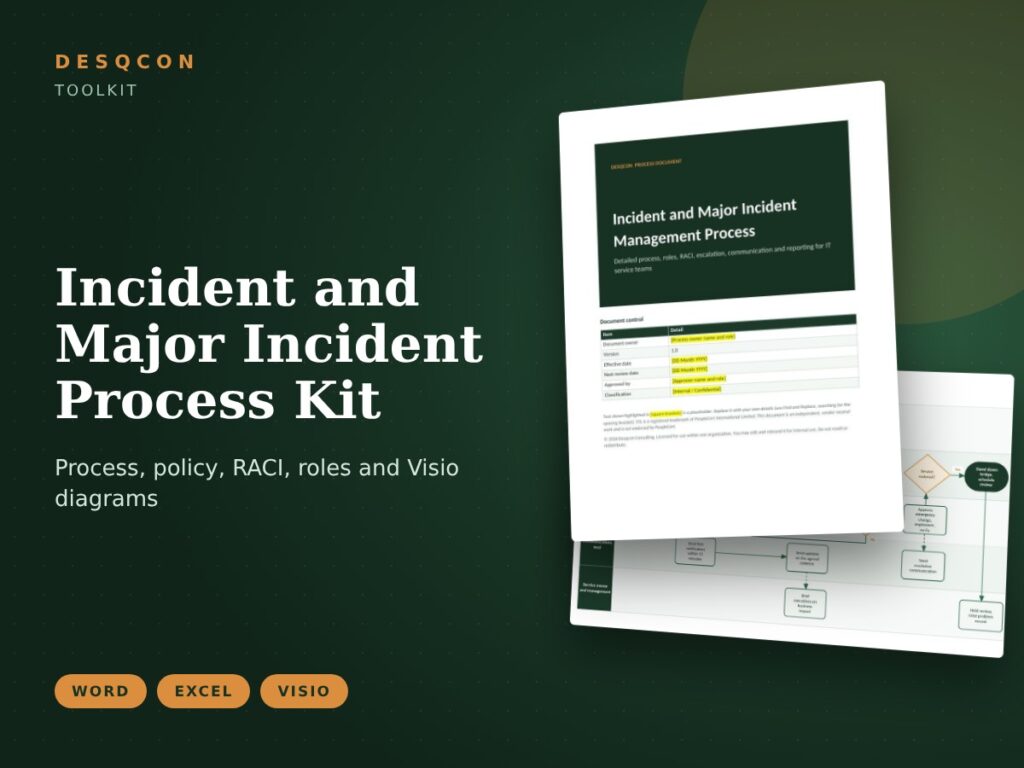
Incident and Major Incident Management Process Kit
Most teams run incidents from habit, and major incidents from memory. This kit gives you the written process behind both: a 30 page process document, a policy, a RACI matrix, defined roles, an escalation path and three editable Visio diagrams that you can adapt in an afternoon.
- Download links arrive by email after checkout
- Fully editable, with no macros
- Licensed for use inside one organization
What is in the download
A process document, a policy, a RACI workbook and three Visio diagrams that work together.
Incident-and-Major-Incident-Management-Process.docx
Incident-and-Major-Incident-Management-Policy.docx
Incident-MIM-RACI-and-Roles.xlsx
Visio-Diagrams (3 files)
How the process runs
A clear flow for every incident, a priority model your team can apply without debate, and a defined path for major incidents.
The ten step incident flow
Priority from impact and urgency
| Priority | Respond within | Resolve within |
|---|---|---|
| P1 | 15 min | 4 hours |
| P2 | 30 min | 8 hours |
| P3 | 2 hours | 3 days |
| P4 | 8 hours | 5 days |
The major incident timeline
Look inside before you buy
These are real pages and sheets from the download. Click any image to view it full size.
How it works
From checkout to a working document in three steps.
Get it
Check out securely and open the download links from your email.
Adapt
Replace the placeholders, agree the priority model and edit the Visio diagrams.
Run it
Publish the process, train the service desk and run a major incident exercise.
What you get
- A 30 page process document with 16 sections, from purpose and definitions to KPIs and appendices.
- A 9 page incident and major incident management policy with 14 policy statements.
- A RACI workbook with 21 activities across 9 roles, a roles sheet, a priority model and an escalation matrix.
- Three Visio files (.vsdx) with PNG and PDF copies: incident flow, major incident flow and escalation path.
- Priority matrix with response, resolution and update targets for P1 to P4.
- Checklists and agendas: P1 service desk checklist, major incident declaration, bridge call agenda and shift handover.
How it helps you
- You get a defined process, so teams stop arguing about who does what.
- The RACI makes ownership visible, and the check column flags any activity without exactly one accountable role.
- The major incident section gives your team a timeline, roles and a bridge agenda to follow under pressure.
- The Visio files are editable, so your own tool names and team names go straight into the diagrams.
Who should get it
- Service desk managers and incident managers writing or tightening a process.
- IT operations leads who run major incident bridges.
- Consultants and auditors who need a clear reference model.
- Teams preparing for ISO 20000 or a service management audit.
How to use it
- Read sections 1 to 6 with your process owner and agree the priority model.
- Replace each highlighted placeholder with your organization details.
- Edit the Visio diagrams to match your tool and team names.
- Publish the process and policy as controlled documents and train the service desk.
Format
- Word documents (.docx), Excel workbook (.xlsx) and Visio diagrams (.vsdx, with PNG and PDF copies).
- The Visio files open in Microsoft Visio. The PNG and PDF copies open anywhere.
License and good to know
- Licensed for use within a single organization. You may edit and rebrand the files for internal use.
- Do not resell or redistribute them.
- ITIL is a registered trademark of PeopleCert International Limited. These materials are independent work and are not endorsed by PeopleCert.
- Practical templates and guidance, not legal advice.
