
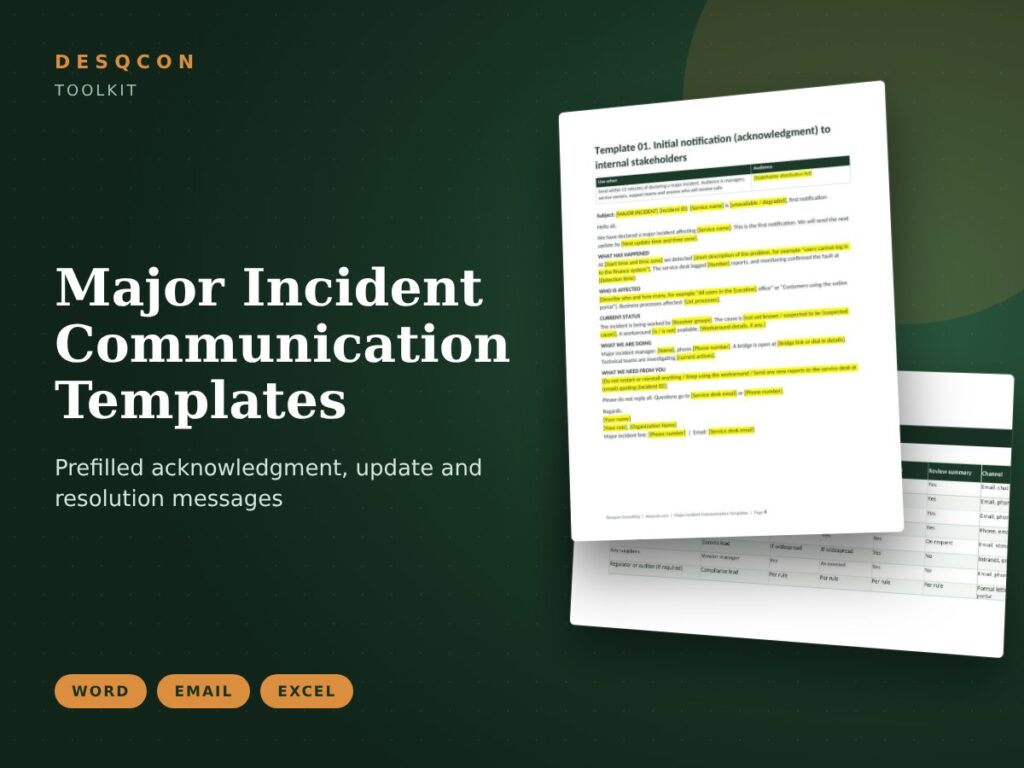
 Click to enlarge
Major Incident Communication Templates
During a major incident, the hardest message to write is the one you need to send in the next ten minutes. These templates are already written. Every message is descriptive and prefilled, and the parts you must change, such as customer email, location and times, are highlighted so nothing is missed.
- Download links arrive by email after checkout
- Fully editable, with no macros
- Licensed for use inside one organization
What is in the download
A Word guide, ready to open email files and a log workbook.
Major-Incident-Communication-Templates.docx
Email-files (11 files)
MIM-Communication-Plan-and-Log.xlsx
The message for every stage
Each stage of a major incident has its own message, so your team never starts from a blank page.
Messages across a major incident
What every message answers
Look inside before you buy
These are real pages and sheets from the download. Click any image to view it full size.
How it works
From checkout to a working document in three steps.
Get it
Check out securely and open the download links from your email.
Fill it
Open the email file for your stage and replace the highlighted placeholders.
Send it
Send from a shared mailbox and record it in the communication log.
What you get
- A 16 page guide with 12 templates, each with a note on when to use it and who receives it.
- 11 ready to open email files (.eml) with the subject and body filled in.
- Templates for initial acknowledgment (internal, named customer and all customers), progress updates, executive briefing, service restored, closure with review summary, bridge invitation, status page text and downgrade.
- Short messages for SMS, chat channels and on call pages.
- A workbook with a stakeholder matrix, update cadence by priority, a placeholder list and a communication log.
How it helps you
- Your first notification goes out inside 15 minutes, because the message already exists.
- Every update says what happened, who is affected, what is being done and when the next update comes.
- Messages stay consistent across email, status page and chat.
- The communication log gives you a record for the post-incident review.
Who should get it
- Major incident managers and communications leads.
- Service desk managers who send incident notices.
- Customer success and account teams who need to update clients.
- Teams that do not have a communication plan for outages yet.
How to use it
- Pick the template for your stage and open the matching .eml file or Word section.
- Replace each highlighted placeholder, such as customer name, customer email, location and time.
- Delete any sentence that does not apply and send from a shared mailbox.
- Record the message in the communication log.
Format
- Word document (.docx), email files (.eml) that open in Outlook, Apple Mail or Thunderbird, and an Excel workbook (.xlsx).
License and good to know
- Licensed for use within a single organization. You may edit and rebrand the files for internal use.
- Do not resell or redistribute them.
- ITIL is a registered trademark of PeopleCert International Limited. These materials are independent work and are not endorsed by PeopleCert.
- Practical templates and guidance, not legal advice.
