
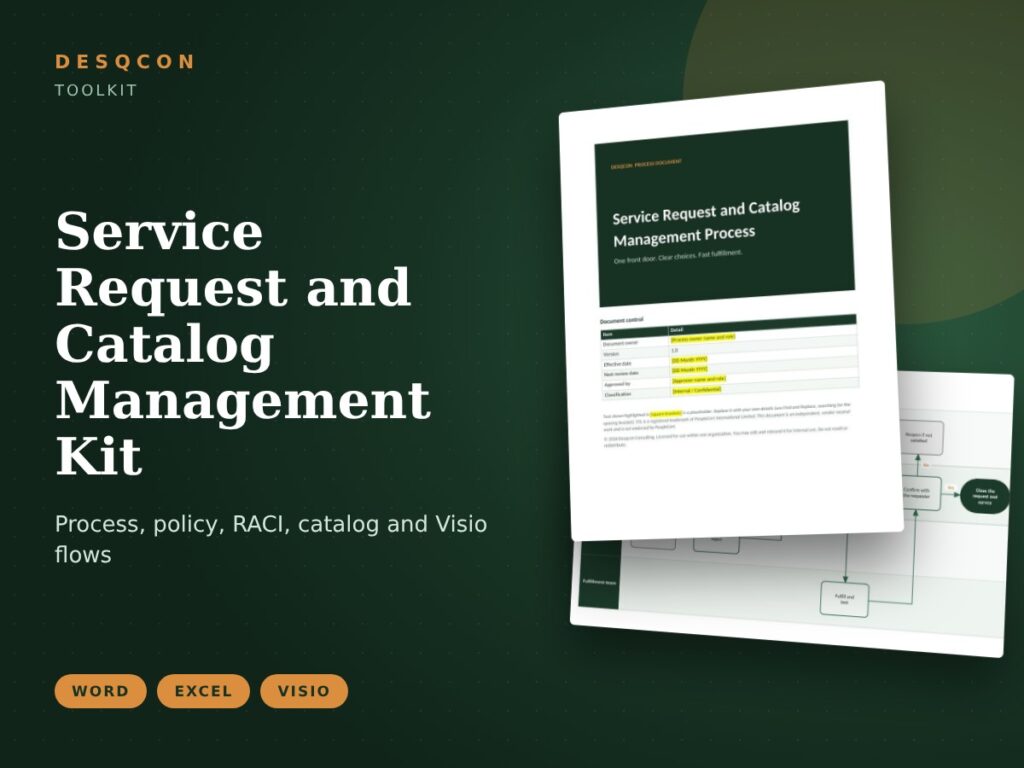
 Click to enlarge
Service Request and Catalog Management Process Kit
Requests are the largest share of the work on most service desks, and the easiest to make faster. This kit gives you the written process behind a clear catalog and smooth fulfillment: a 25 page process document, a policy, a RACI matrix, defined roles, approval patterns and three editable Visio diagrams.
- Download links arrive by email after checkout
- Fully editable, with no macros
- Licensed for use inside one organization
What is in the download
A process document, a policy, a RACI workbook and three Visio diagrams that work together.
Service-Request-and-Catalog-Management-Process.docx
Service-Request-and-Catalog-Management-Policy.docx
Service-Request-and-Catalog-RACI-and-Roles.xlsx
Visio-Diagrams (3 files)
How the process runs
One front door, clear choices and a visible path from request to closure.
The seven stage request flow
What a catalog item needs
Look inside before you buy
These are real pages and sheets from the download. Click any image to view it full size.
How it works
From checkout to a working document in three steps.
Get it
Check out securely and open the download links from your email.
Adapt
Replace the placeholders, agree request targets and approval rules and edit the Visio diagrams.
Run it
Publish the policy, build your top ten catalog items and review satisfaction each month.
What you get
- A 25 page process document with 15 sections, from purpose and definitions to KPIs and appendices.
- An 8 page service request and catalog management policy with 12 policy statements.
- A RACI workbook with 17 activities across 9 roles, a roles sheet, request targets and a status list.
- Three Visio files (.vsdx) with PNG and PDF copies: request fulfillment flow, catalog item lifecycle and approval and escalation flow.
- Request types and targets, catalog item contents, form design rules, approval patterns and starter, mover and leaver bundles.
- Guidance on requests outside the catalog, interfaces with other processes, statuses and mandatory fields.
How it helps you
Users know what they can ask for, what it costs and when it will arrive. Approvals only happen where they add value, forms collect everything first time, and the catalog shows where to automate next.
Who should get it
Service desk managers, request managers, catalog managers, service owners and consultants who need a sound request and catalog process quickly.
How to use it
Open the process document and replace each highlighted placeholder. Agree request types, targets and approval patterns with your service owners. Name the people in the RACI workbook, edit the Visio diagrams, publish the policy and start with your top ten requests.
Format
Word (.docx), Excel (.xlsx) and Visio (.vsdx) with PNG and PDF copies. Vendor neutral, so it works with any service management tool. The companion pack adds catalog item definitions, ten request forms and checklists.
License and good to know
Single organization license for internal use. You can edit and rebrand the files. You cannot resell or redistribute them. The Visio files are created for standard Visio. Open them once to check the layout in your version.
