
 Click to enlarge
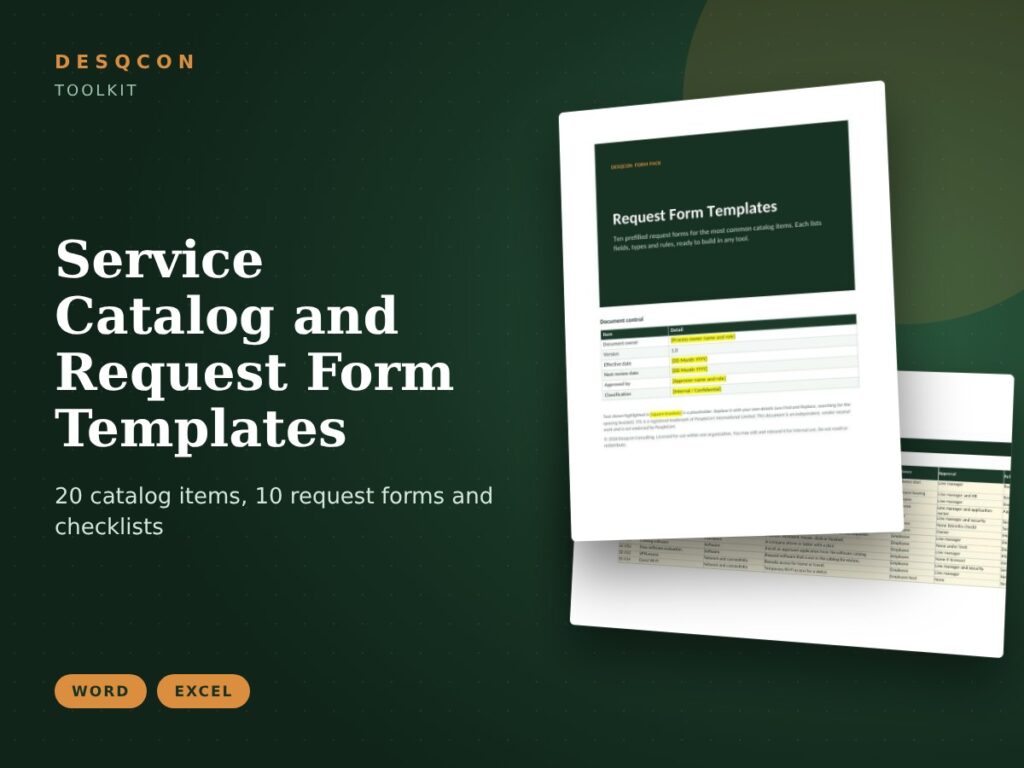
Service Catalog and Request Form Templates
Building a catalog from a blank page takes months. These templates give you twenty common items, ten ready-to-build request forms and the checklists for starters, movers and leavers, so you can launch a useful catalog in days.
- Download links arrive by email after checkout
- Fully editable, with no macros
- Licensed for use inside one organization
What is in the download
Three Word documents and an Excel catalog that work together.
Service-Catalog-Template.xlsx
Request-Form-Templates.docx
Catalog-Item-Definition-Template.docx
Starter-Mover-Leaver-Checklists.docx
From idea to a live catalog item
Define it, build the form, test it and publish.
The item path
The three event bundles
Look inside before you buy
These are real pages and sheets from the download. Click any image to view it full size.
How it works
From checkout to a working document in three steps.
Get it
Check out securely and open the download links from your email.
Adapt
Edit the catalog items, targets and groups to match your organization.
Build
Create each form in your tool, test it and publish the item.
What you get
- An Excel service catalog with 20 prefilled items: description, audience, approval, fulfillment group, target, cost and form, plus review dates and a dashboard.
- A 12 page request form pack with ten forms: new starter, leaver or mover, application access, hardware, software, shared mailbox, VPN, mobile device, meeting room and equipment move.
- A 4 page catalog item definition template with a completed example and a go live checklist.
- A 4 page checklist pack for new starters, movers and leavers.
How it helps you
You start with real items written in the words users use, with approval rules and targets already thought through. Each form lists fields, types and rules, so it can be built in any tool in an hour.
Who should get it
Service desk managers, catalog managers, tool administrators building a portal and consultants launching a catalog.
How to use it
Edit the catalog workbook to match what you offer, build the forms in your tool, and use the item definition template for each new item. Run the checklists for every starter, mover and leaver.
Format
Word (.docx) and Excel (.xlsx). Vendor neutral. Works with any service management tool.
License and good to know
Single organization license for internal use. You can edit and rebrand the files. You cannot resell or redistribute them. Check costs, targets and groups before you publish.
